QVAULT
Full-Stack Developer
QVAULT is a secure offline password vault and personal Life OS that unifies credentials, markdown notes, tasks, and income tracking into a single zero-knowledge workspace. Equipped with configurable inactivity auto-lock timers and air-gapped encrypted export/import backups, it performs Argon2id key derivation and AES-256-GCM envelope encryption entirely on-device via Tauri 2, Rust, and SQLite so sensitive data never touches disk in plaintext.
Key features
Auto-lock timer & encrypted backup export/import
Protects idle workstations with configurable inactivity auto-lock and zero-trace clipboard clearing, paired with authenticated AES-256-GCM air-gapped backup export and import verified with SHA-256 integrity checksums.
Zero-knowledge envelope encryption
Master keys are derived via Argon2id (m=19 MiB, t=2, p=1) to decrypt an envelope Data Encryption Key (DEK) that encrypts sensitive fields via AES-256-GCM with CSPRNG nonces and automated memory zeroization on drop.
On-device health & k-anonymity audits
A local analytics engine audits entries for weak passwords, reuse, and missing 2FA, complemented by privacy-preserving Have I Been Pwned checks using 5-character SHA-1 range queries that never expose raw hashes.
Unbiased CSPRNG & zero-trace clipboard
Passwords generate via crypto.getRandomValues with uniform rejection sampling over 32-bit unsigned integers to eliminate modulo bias, paired with an automated clipboard scrubber that zeroes system buffers after a configurable timer.
Unified Life OS with immutable audit logging
Consolidates credentials, RFC 6238 TOTP authenticators computed natively in Rust without exposing secrets to the webview, markdown notes, tasks, and an embedded SQLite ledger with append-only tamper tracking.
Screens
A walk through the key screens in QVAULT, one at a time.
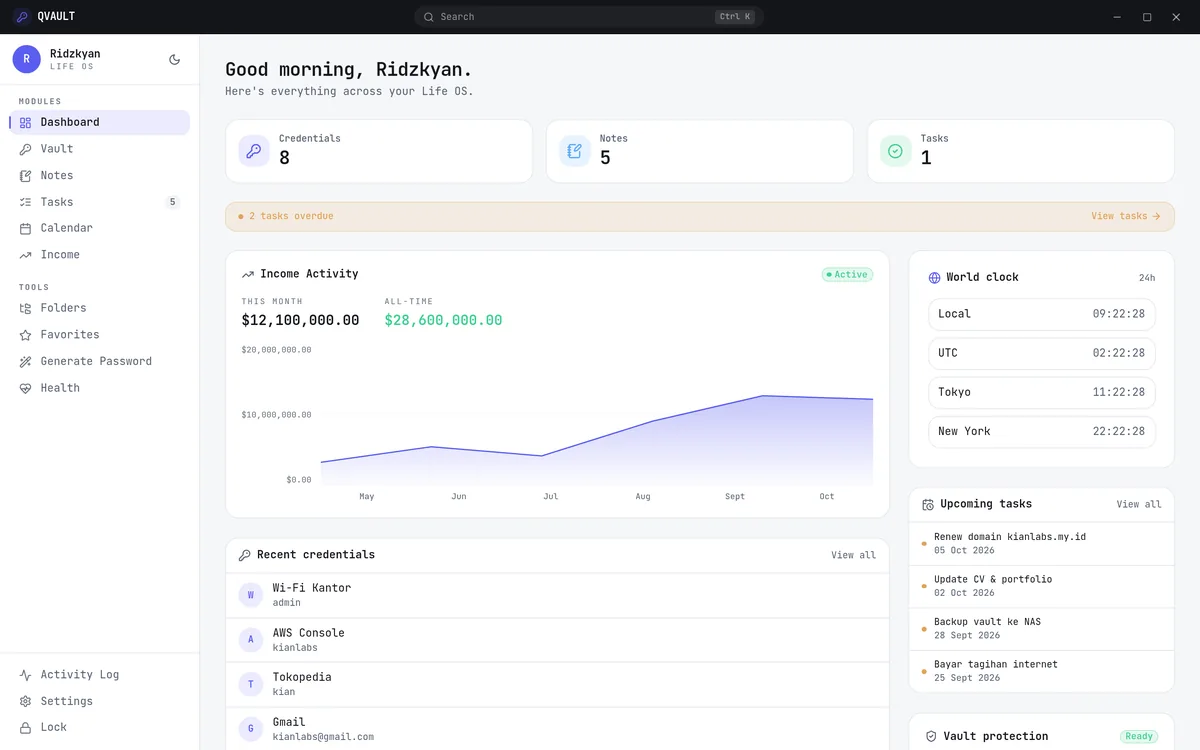
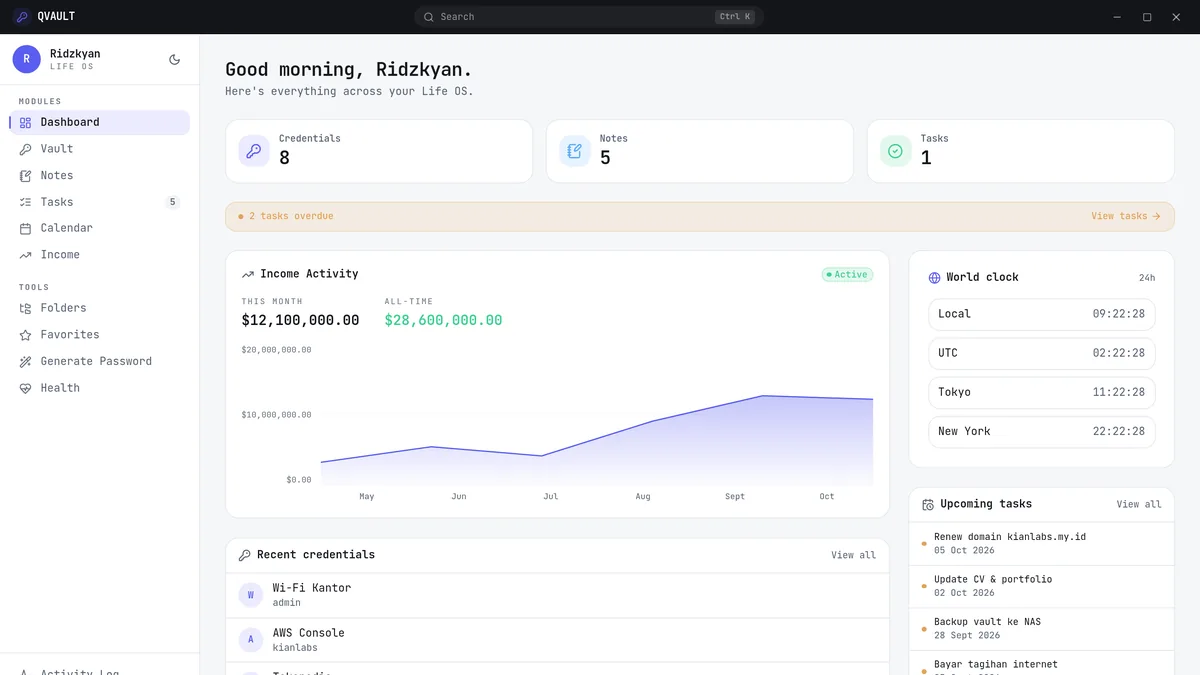
Dashboard
The landing view greets the user and summarises the whole workspace — overdue tasks, this month’s income and the latest activity — so the day starts with a single glance.
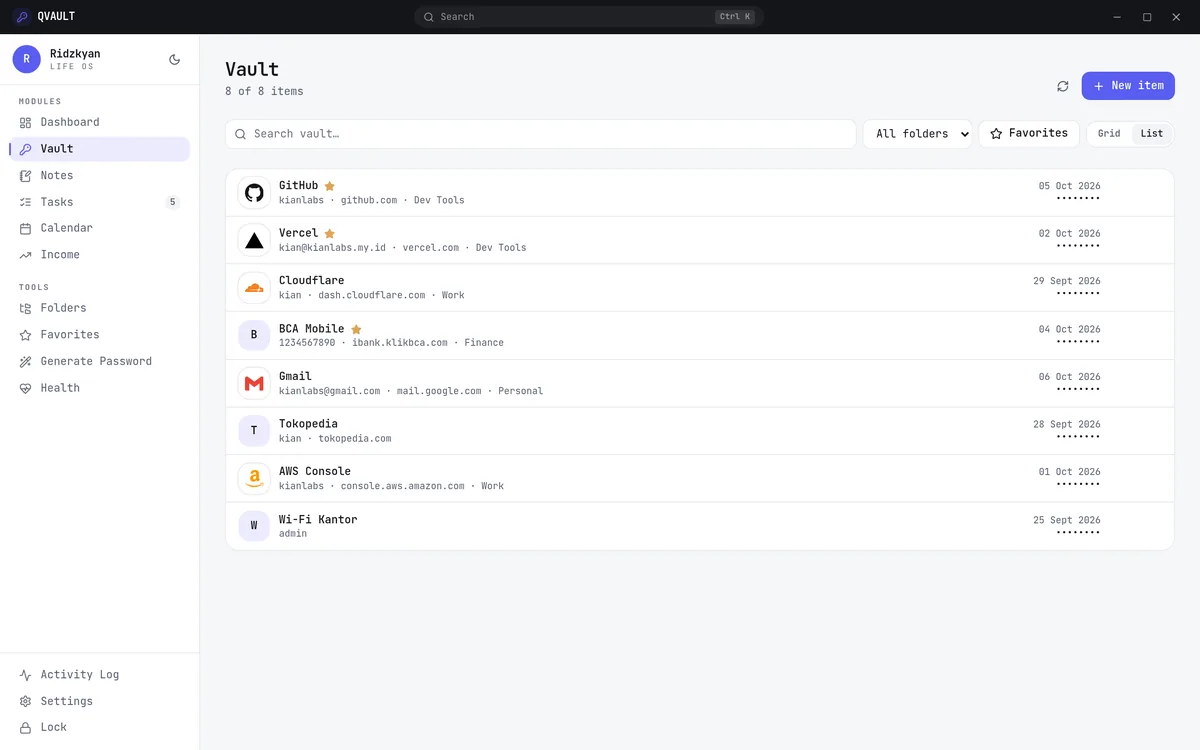
Vault
The encrypted password store. Every login keeps its username, URL, tags, folder and an optional one-time-password secret, with search and reveal-on-demand.
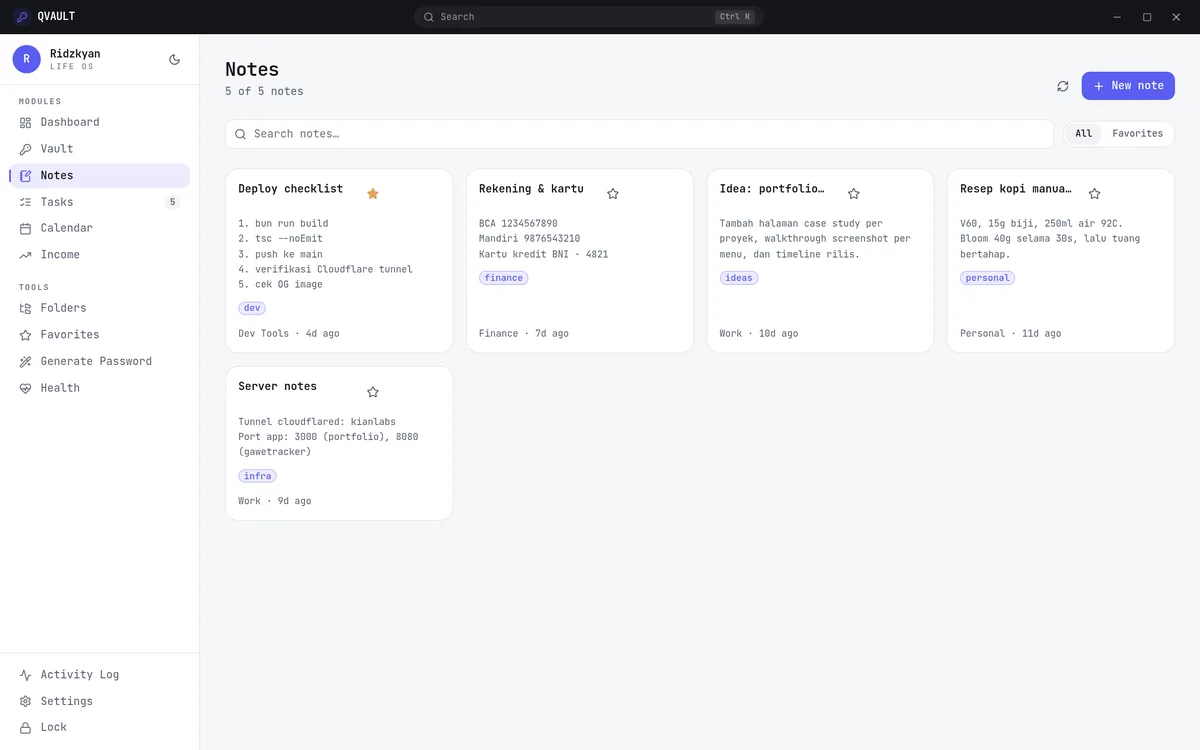
Notes
A private, encrypted notebook. Notes support markdown, tags and favourites, and can be duplicated into templates for repeatable formats.
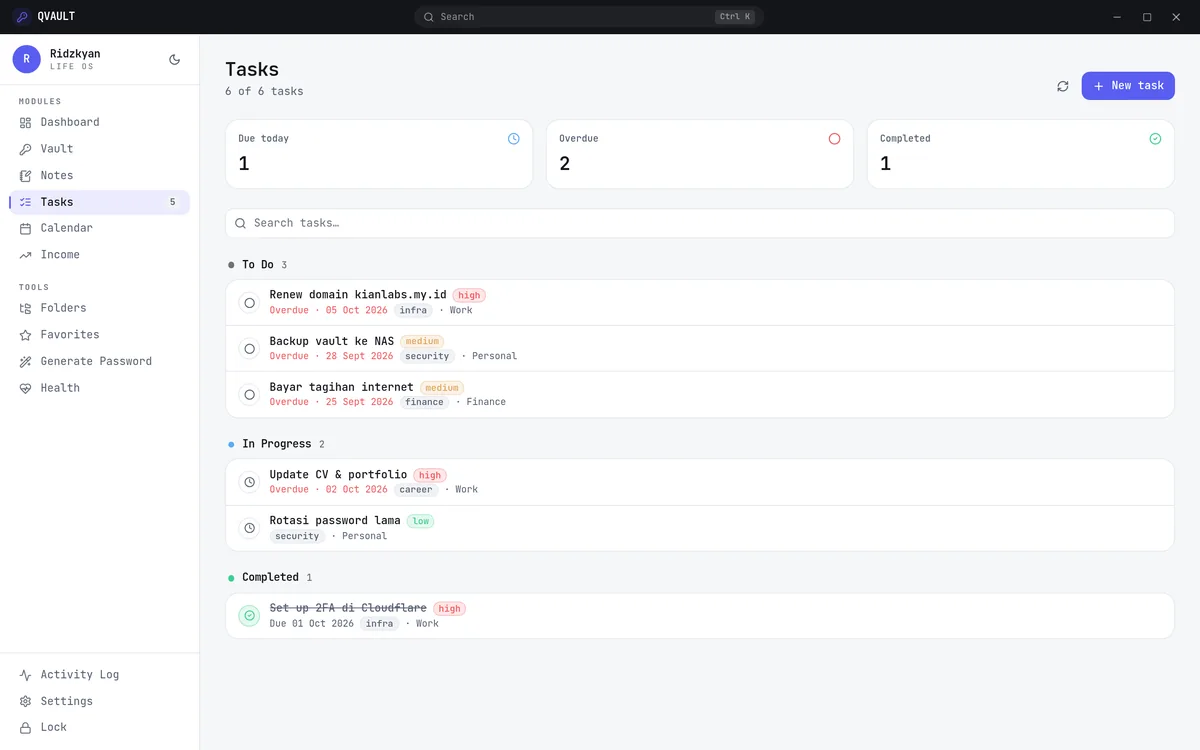
Tasks
A lightweight task manager for to-dos that belong beside your credentials. Tasks carry a status, priority and due date, and feed the dashboard counters.
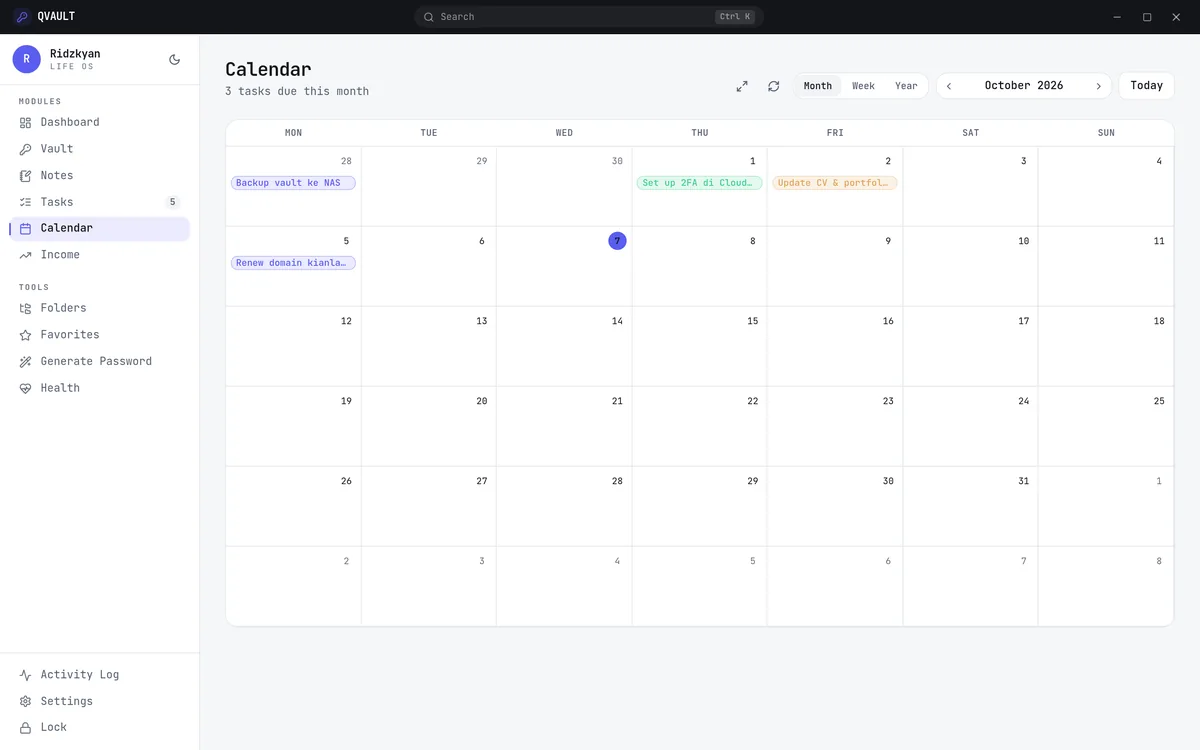
Calendar
The same tasks laid out on a month grid. Each day shows what is due, so deadlines are visible instead of buried in a list.
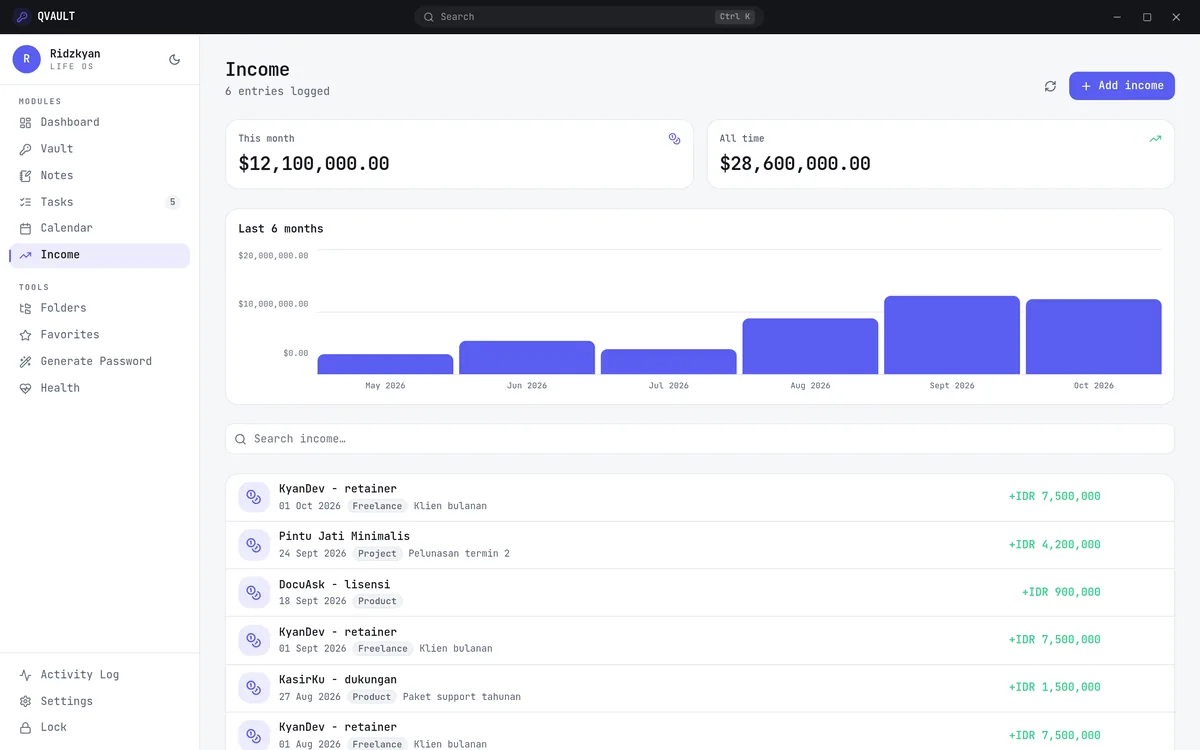
Income
A small personal ledger. Entries record source, amount and category, and a six-month chart tracks how income moves over time.
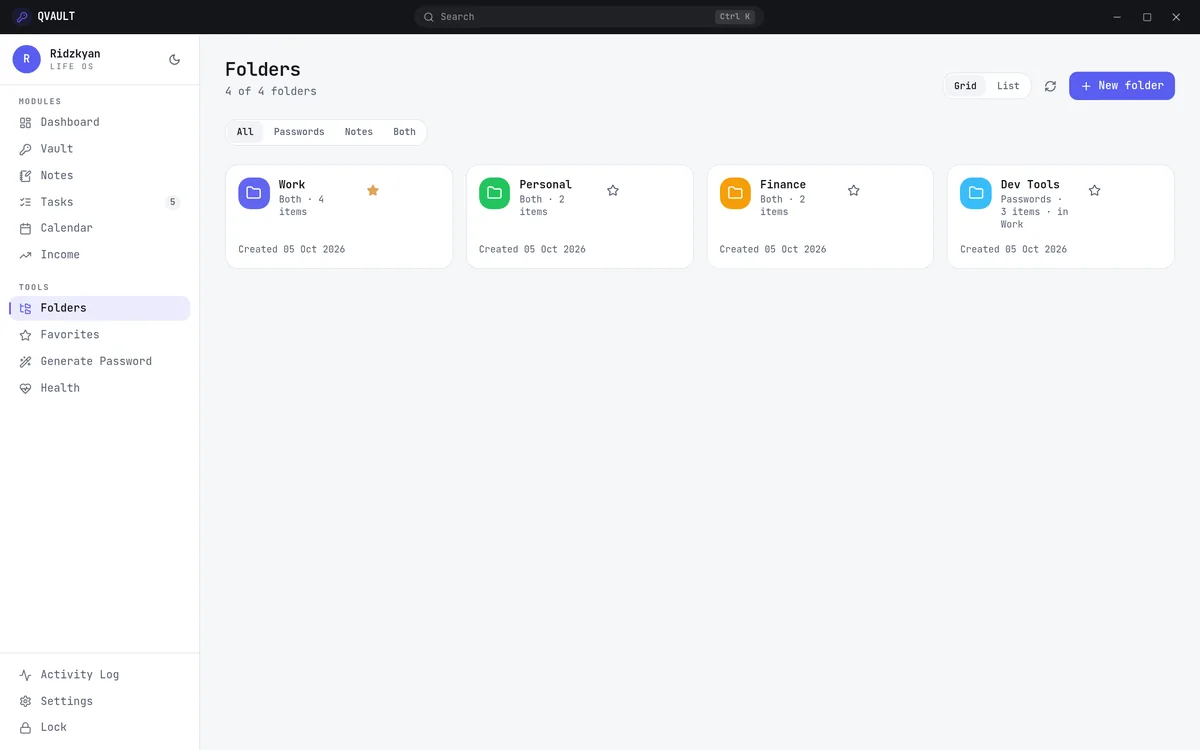
Folders
Coloured, nestable folders that organise both vault items and notes, so a growing workspace stays easy to navigate.
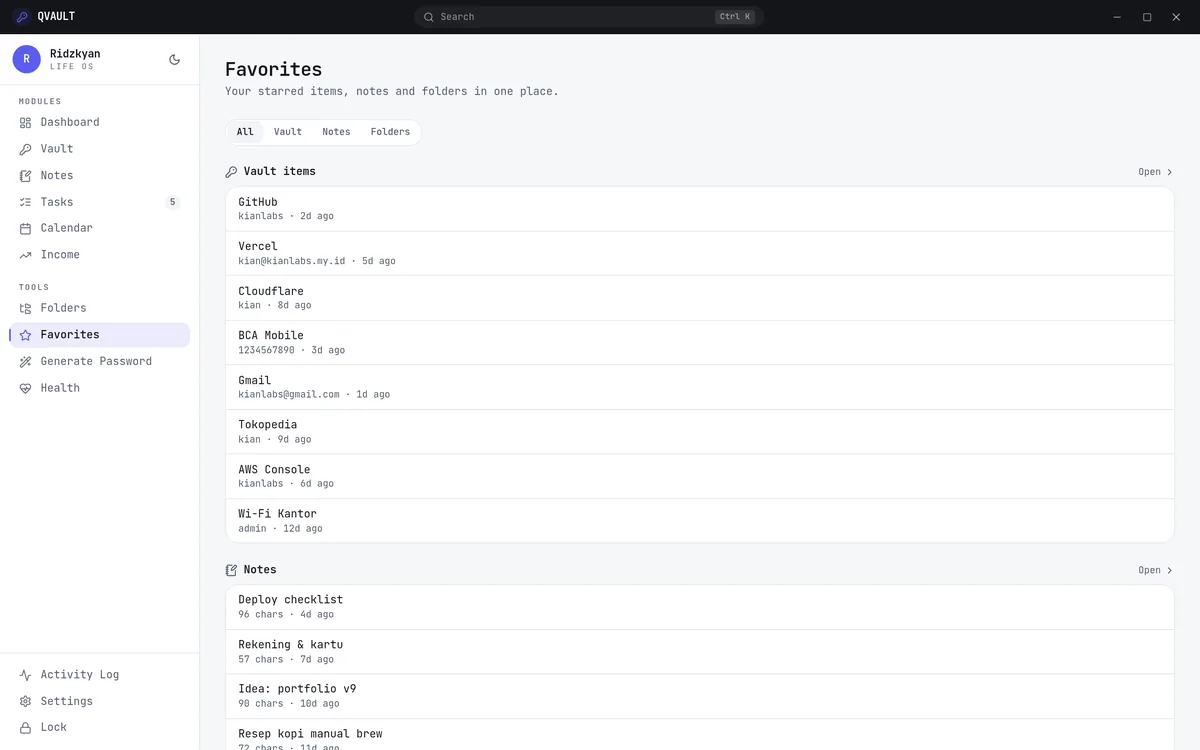
Favorites
A single shelf for starred items. Favourites from the vault, notes and folders collect here for quick, repeated access.
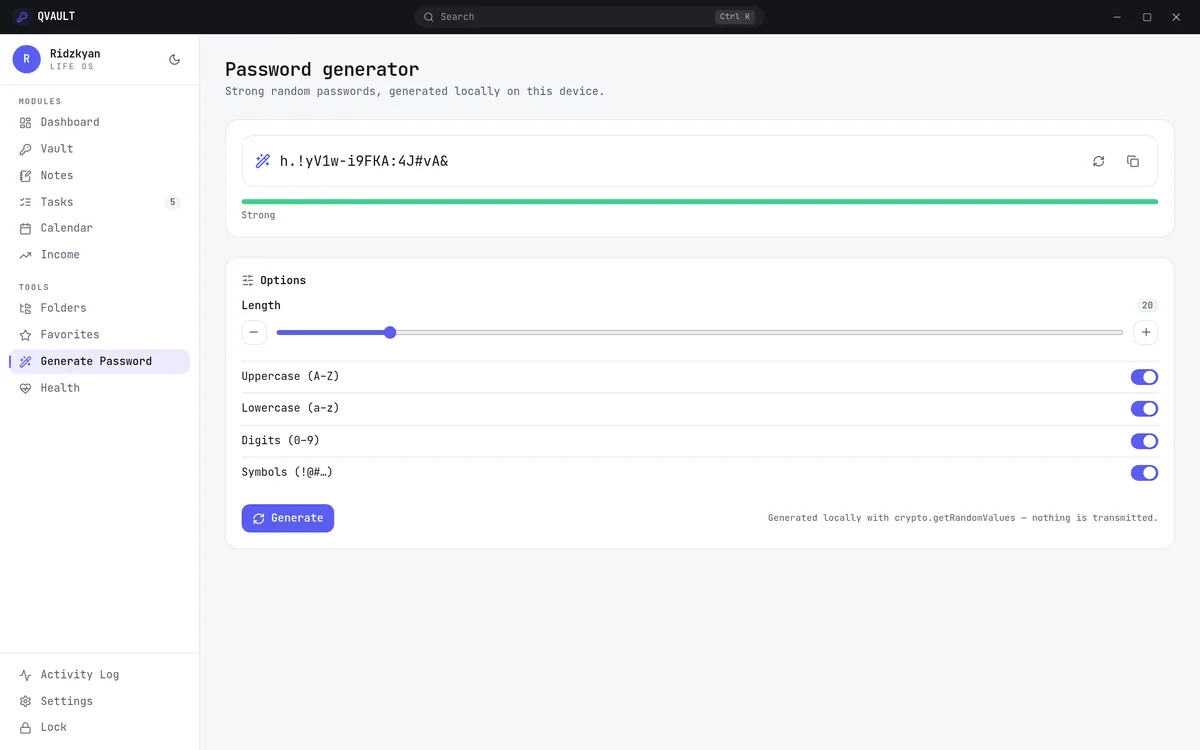
Generate Password
A password generator built on the browser’s crypto.getRandomValues. Length and character sets are adjustable, and nothing is ever transmitted.
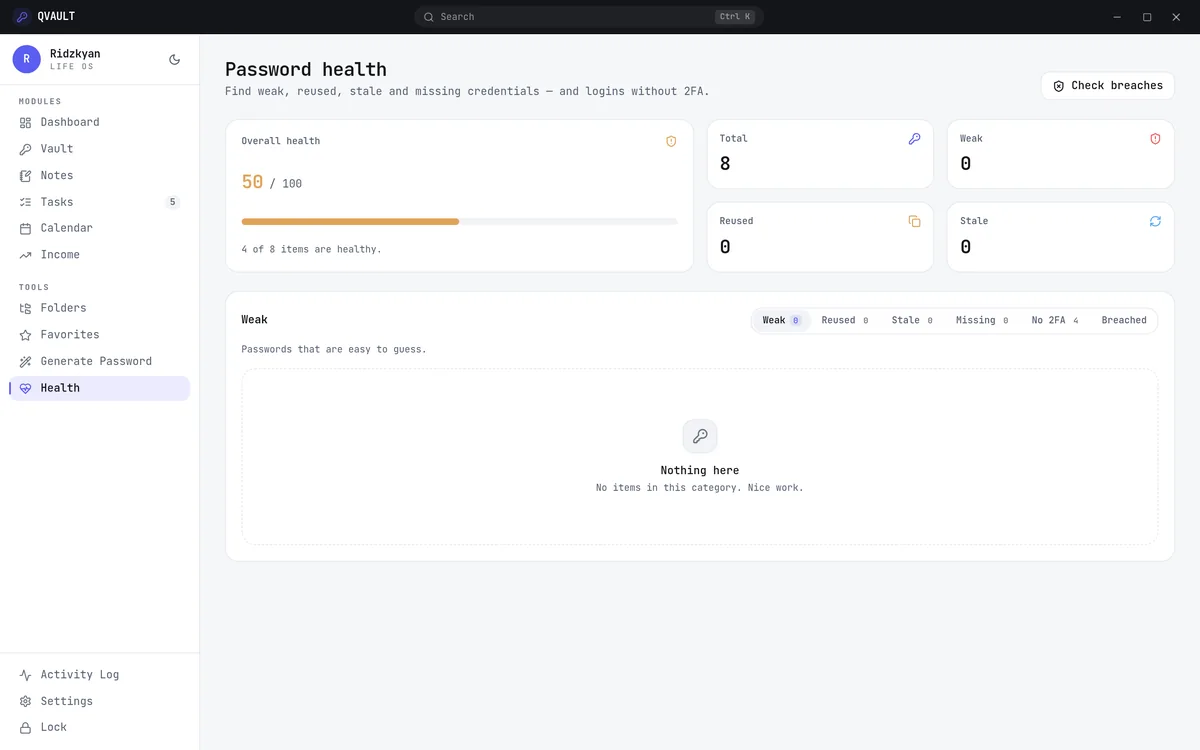
Health
A local audit that flags weak, reused, stale and missing credentials, plus logins without two-factor authentication. Analysis runs entirely on-device.
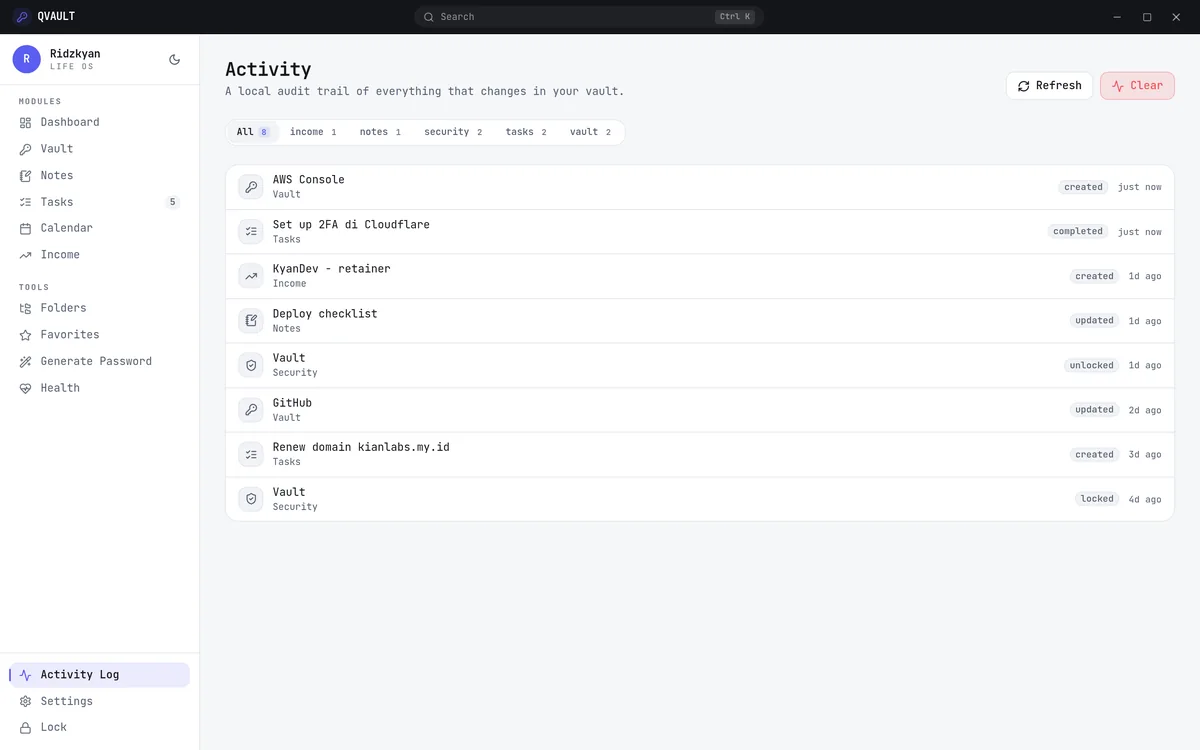
Activity Log
A local audit trail of everything that changes in the vault. Each entry records the module, action, item and timestamp.
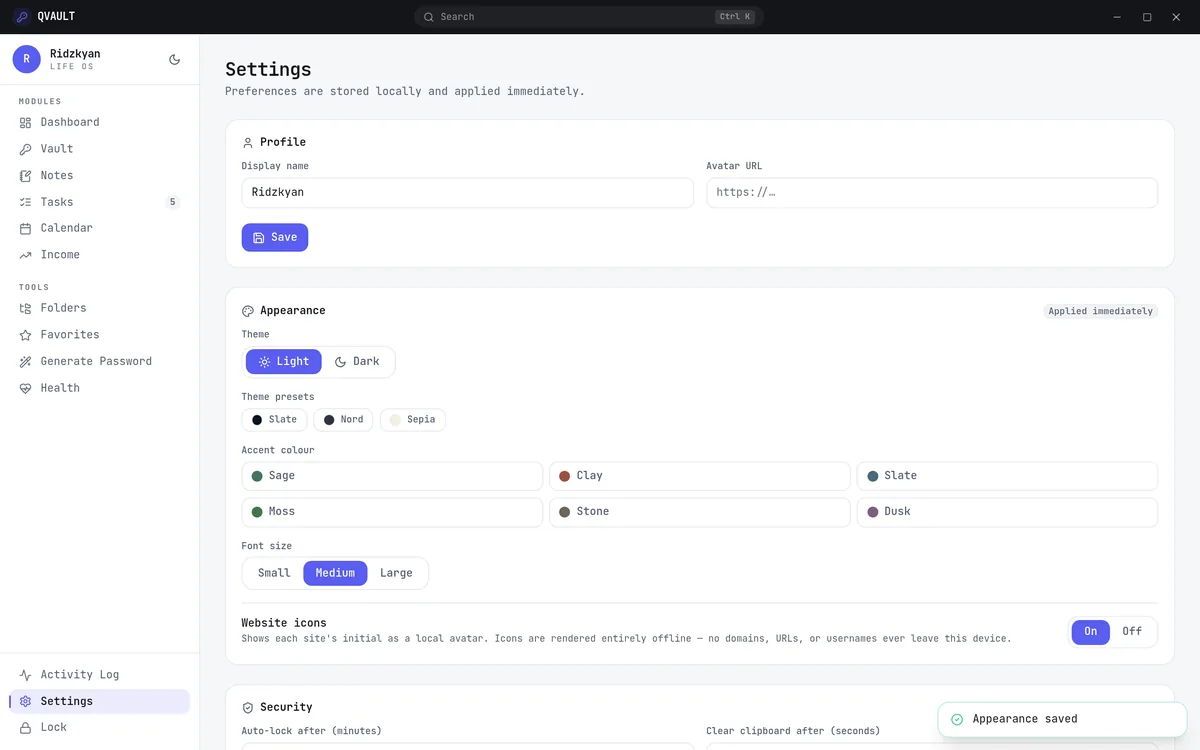
Settings
Preferences for theme, accent colour and font size, plus security controls such as auto-lock timing, clipboard clearing and encrypted backups.